
Technology for planning,
posting and reporting.
The Advanx platform is the digital workspace that connects advertisers, agencies and venue owners — plan media, schedule flights, traffic creative, watch delivery and prepare reports in one place. AI planning helps shape where, when and how a campaign runs.
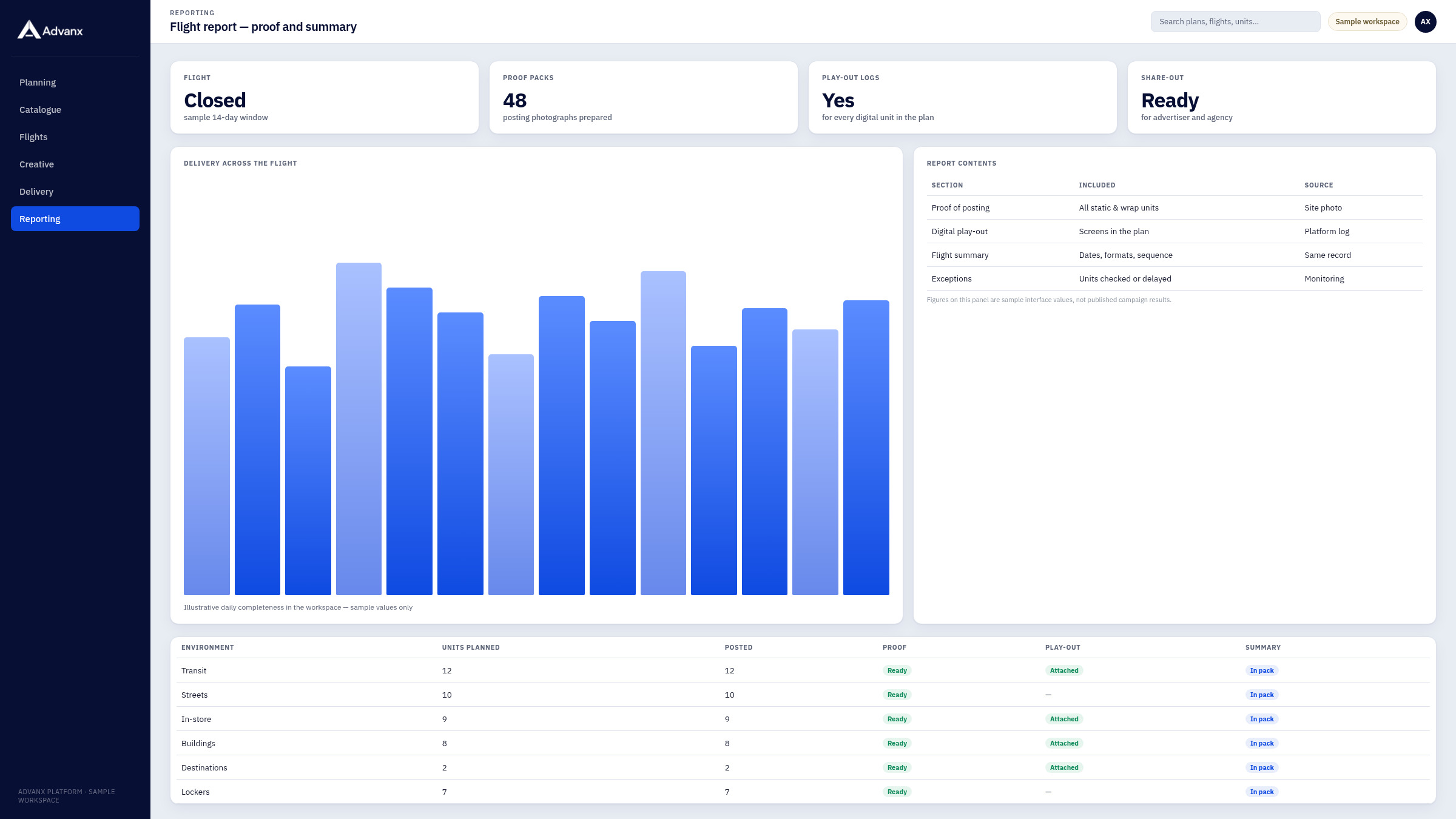
What the platform does
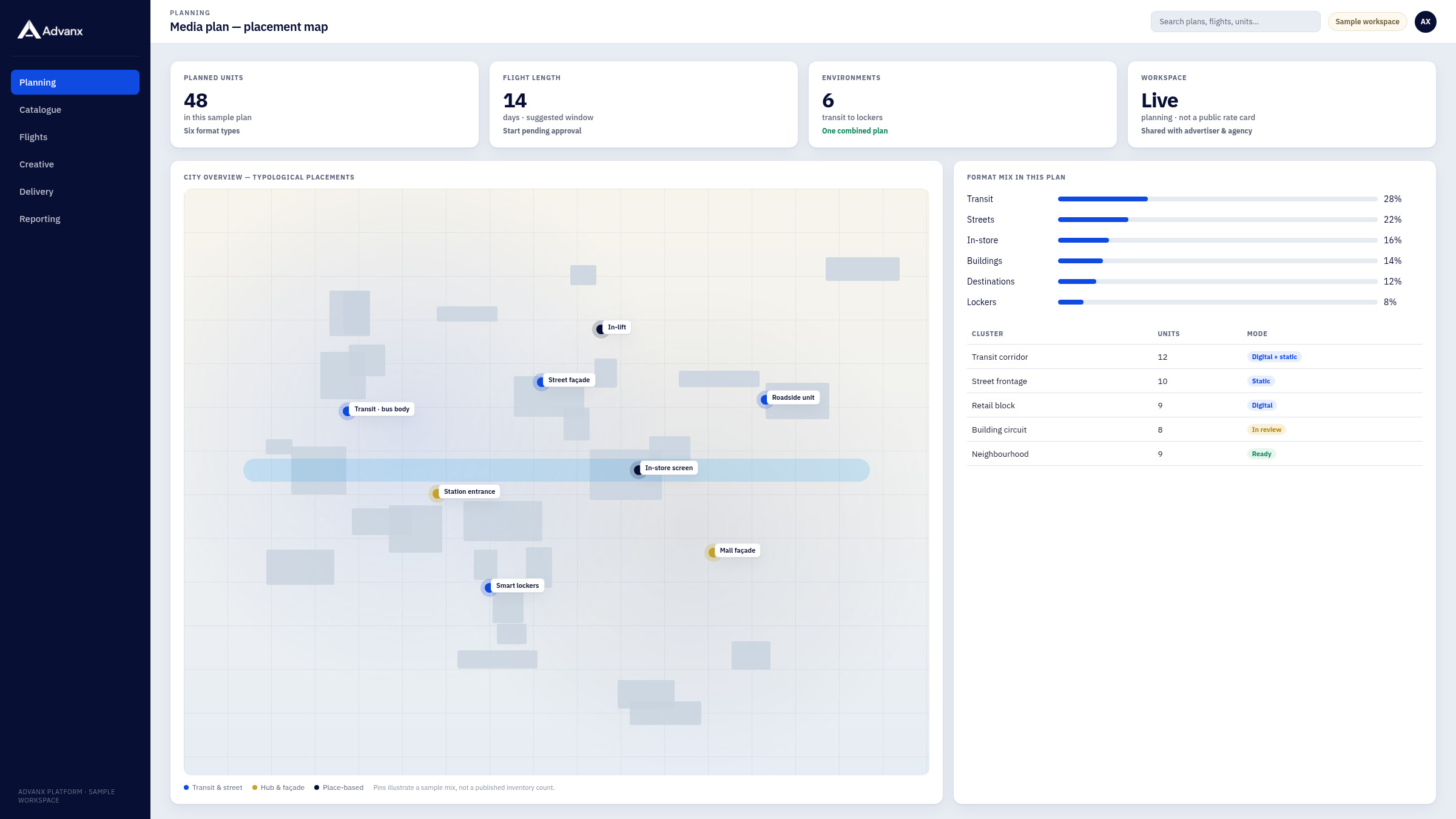
Map and catalogue
See environments and units together, and build a working mix.
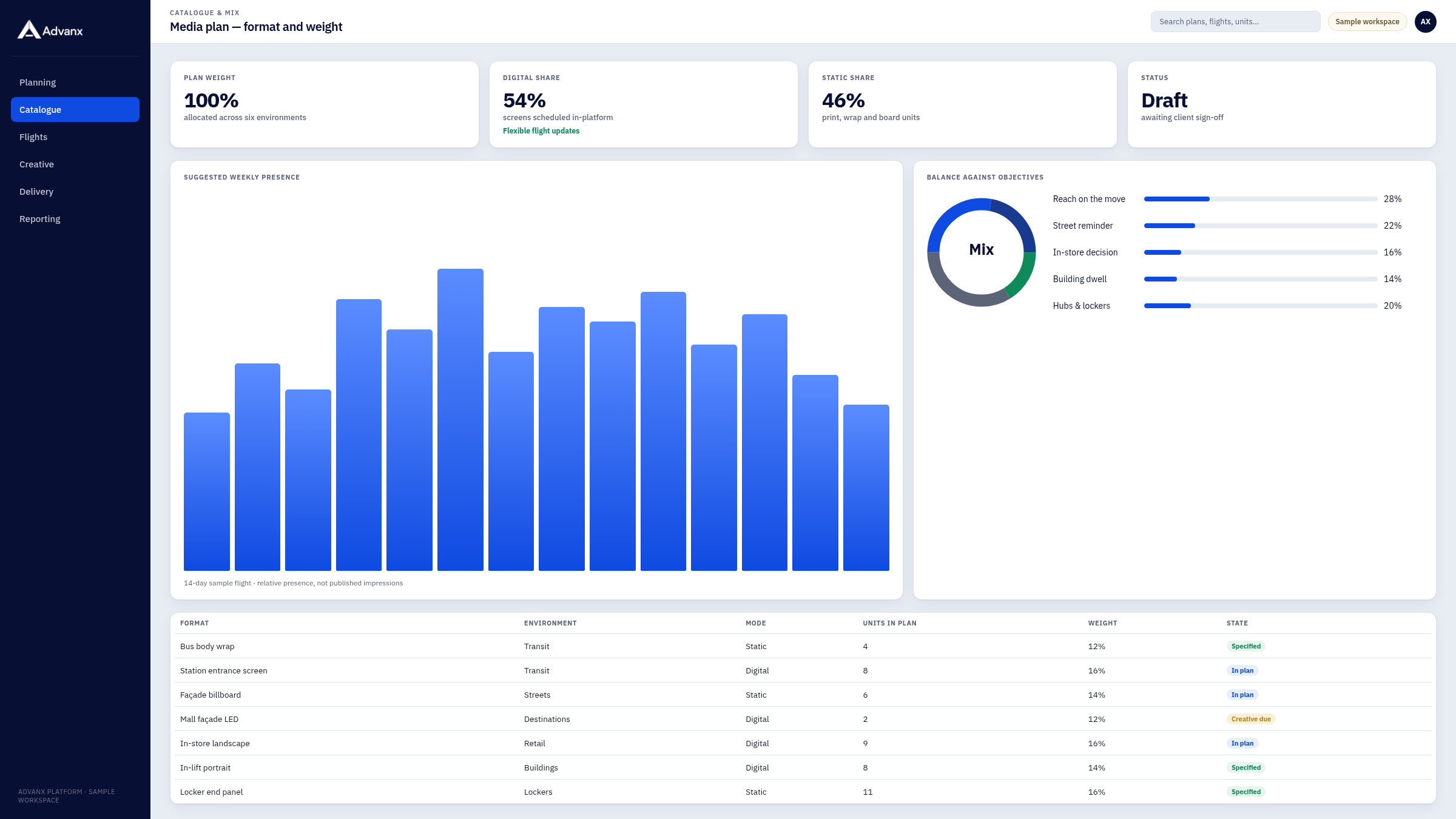
Flights and schedule
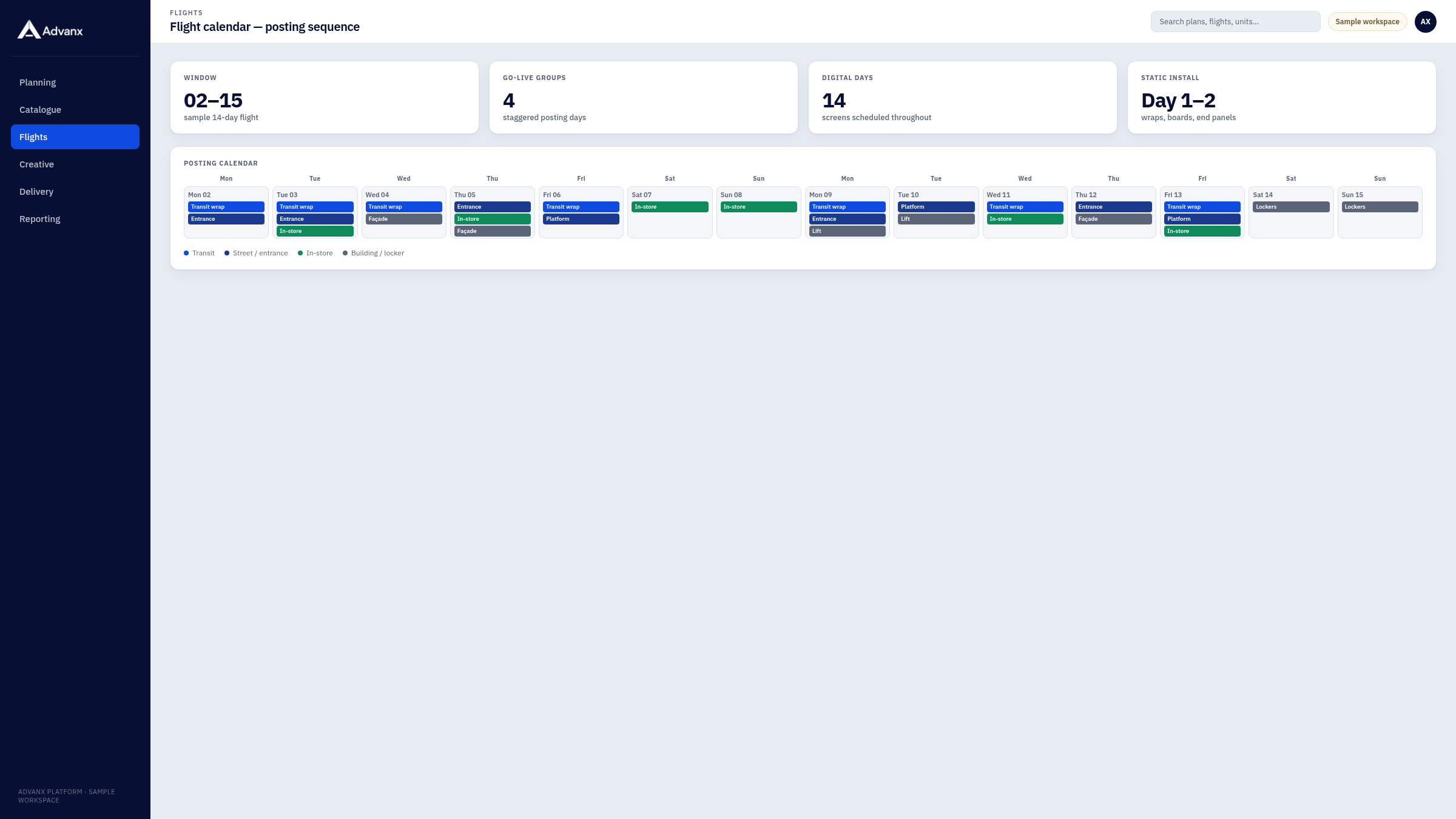
Set dates, sequencing and posting windows for each format.
Creative
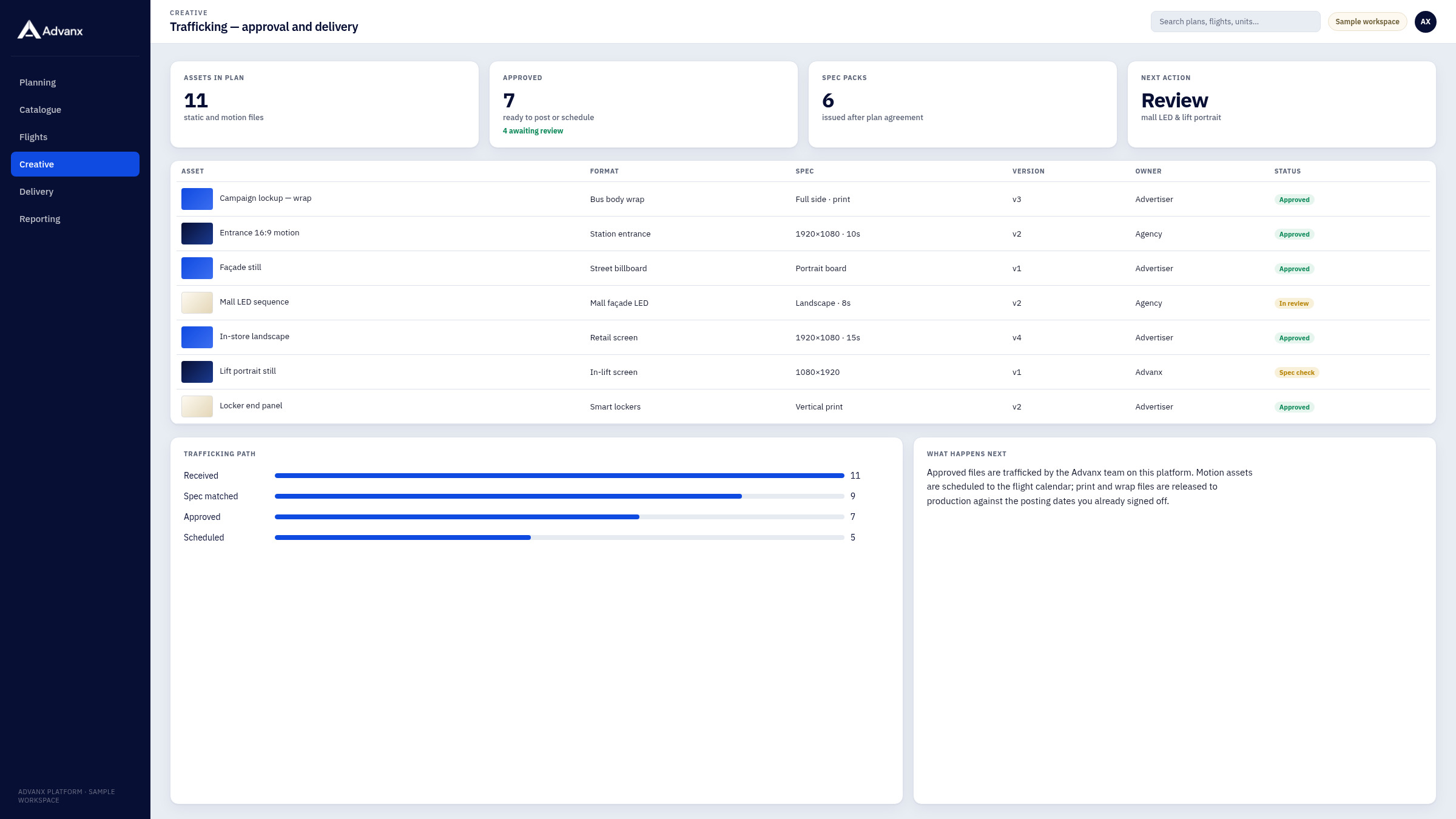
Traffic approved assets to the right units and screens.
Deployment
Follow posting and go-live against the plan you signed off.
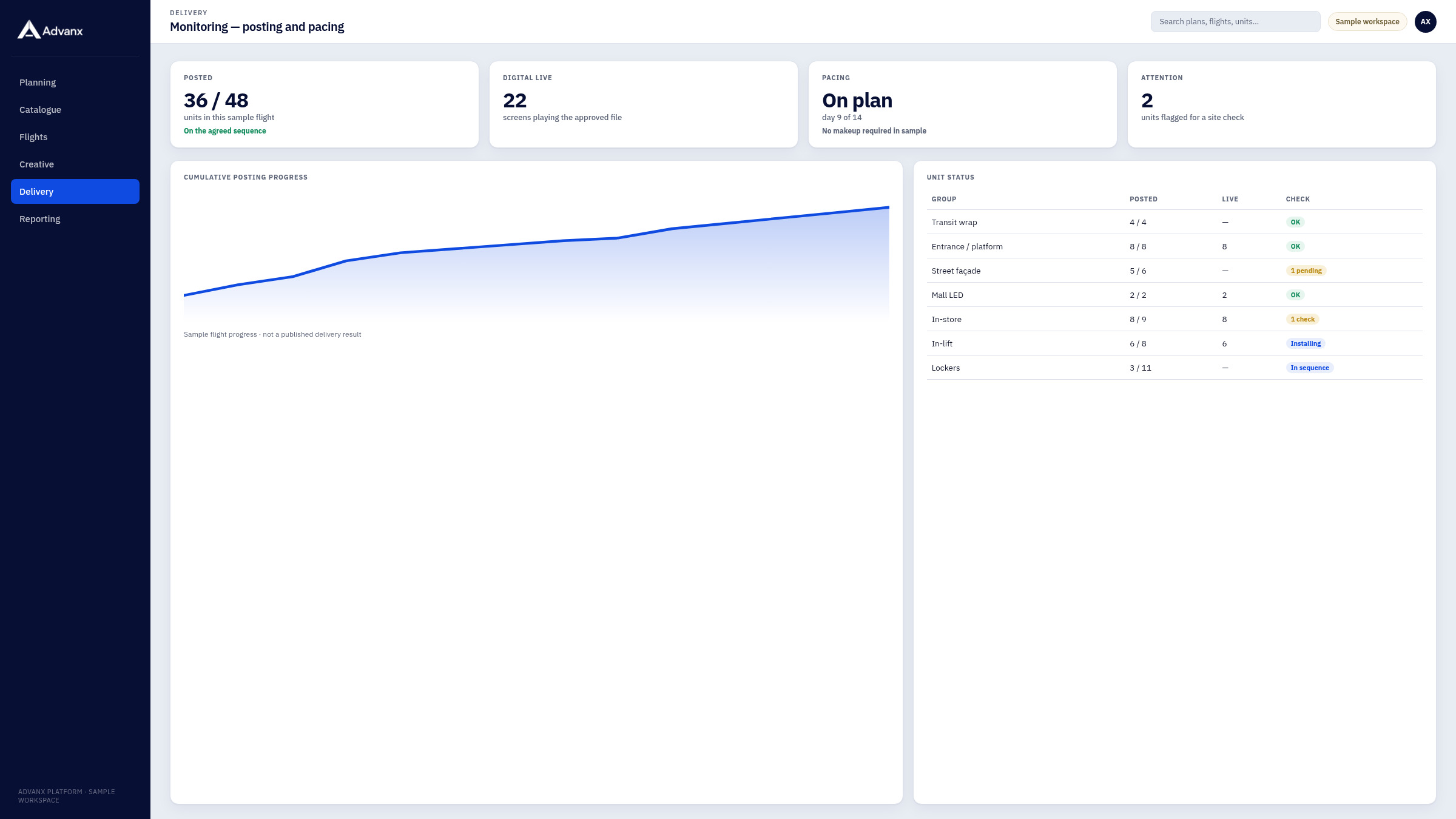
Monitoring
Watch delivery, playback and unit status while the flight is live.
Reporting
Export posting proof, playback logs and a flight summary for the team.
Built for the way campaigns are run
One workspace
Advertiser, agency and the Advanx team can share the same view of the plan, the flights and the reports.
AI planning
Recommendations on placement, timing and mix sit inside the same workflow as scheduling and posting.
Delivery you can follow
Monitoring and reporting are part of the platform, not a separate afterthought.
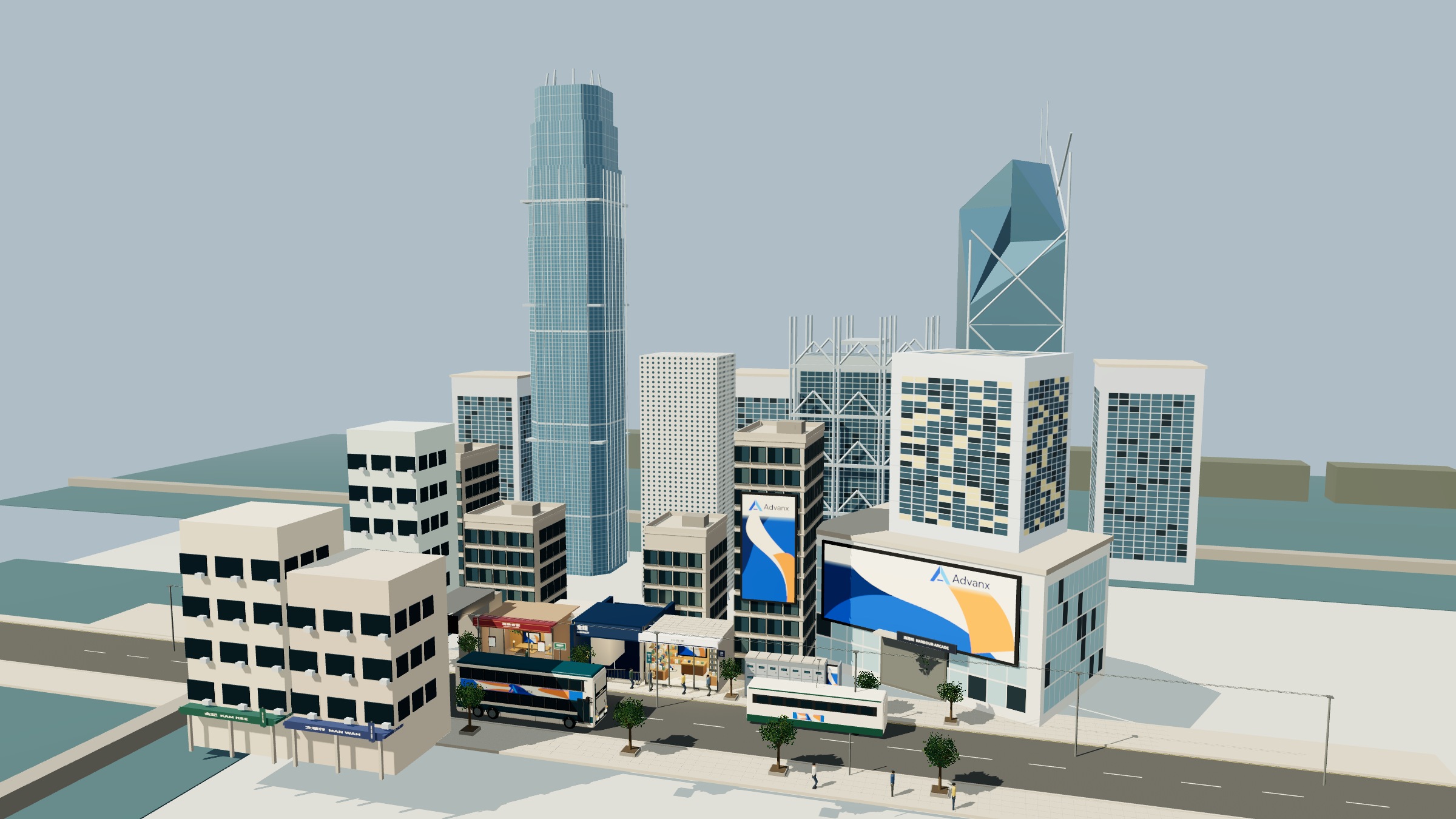
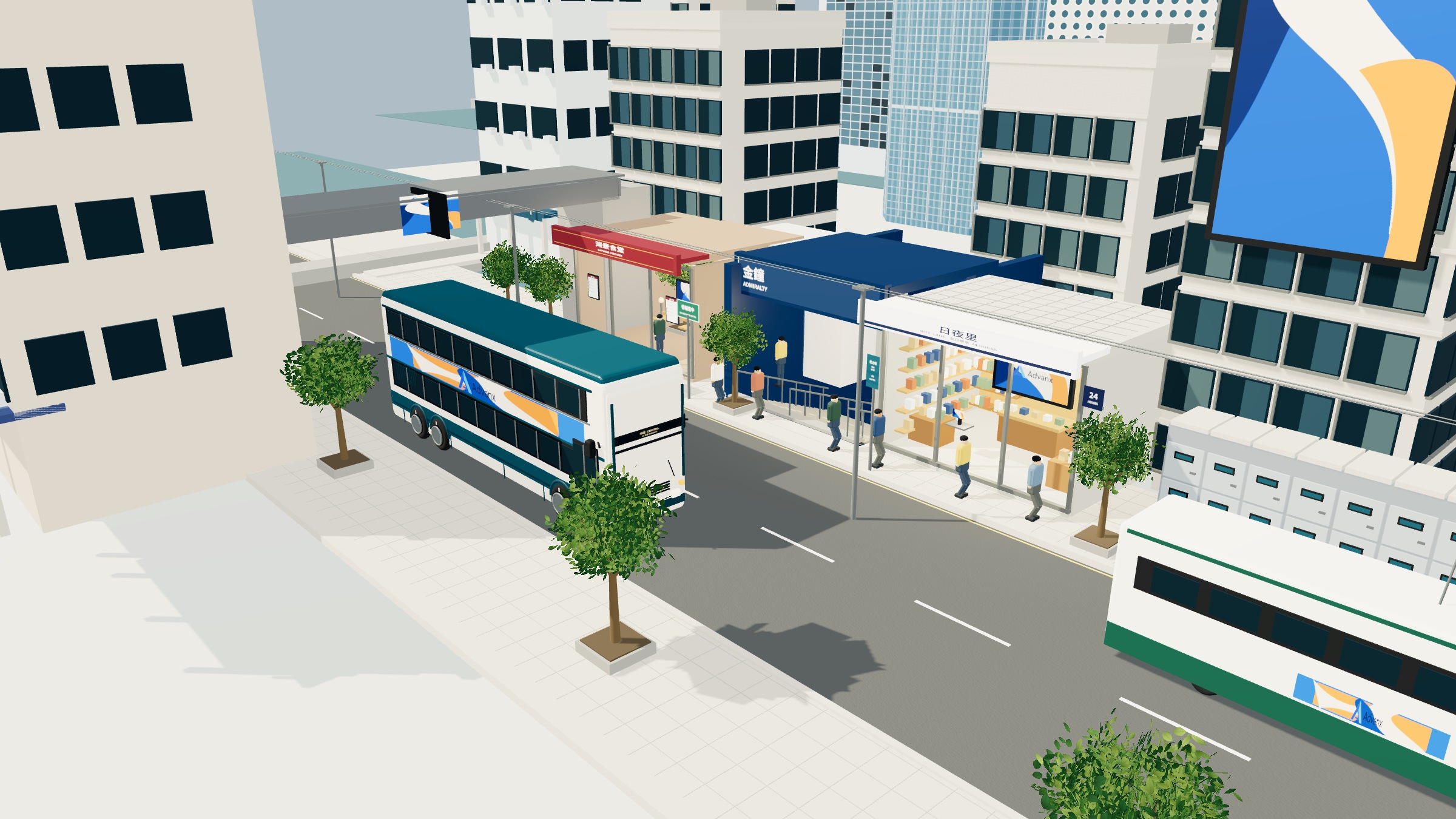
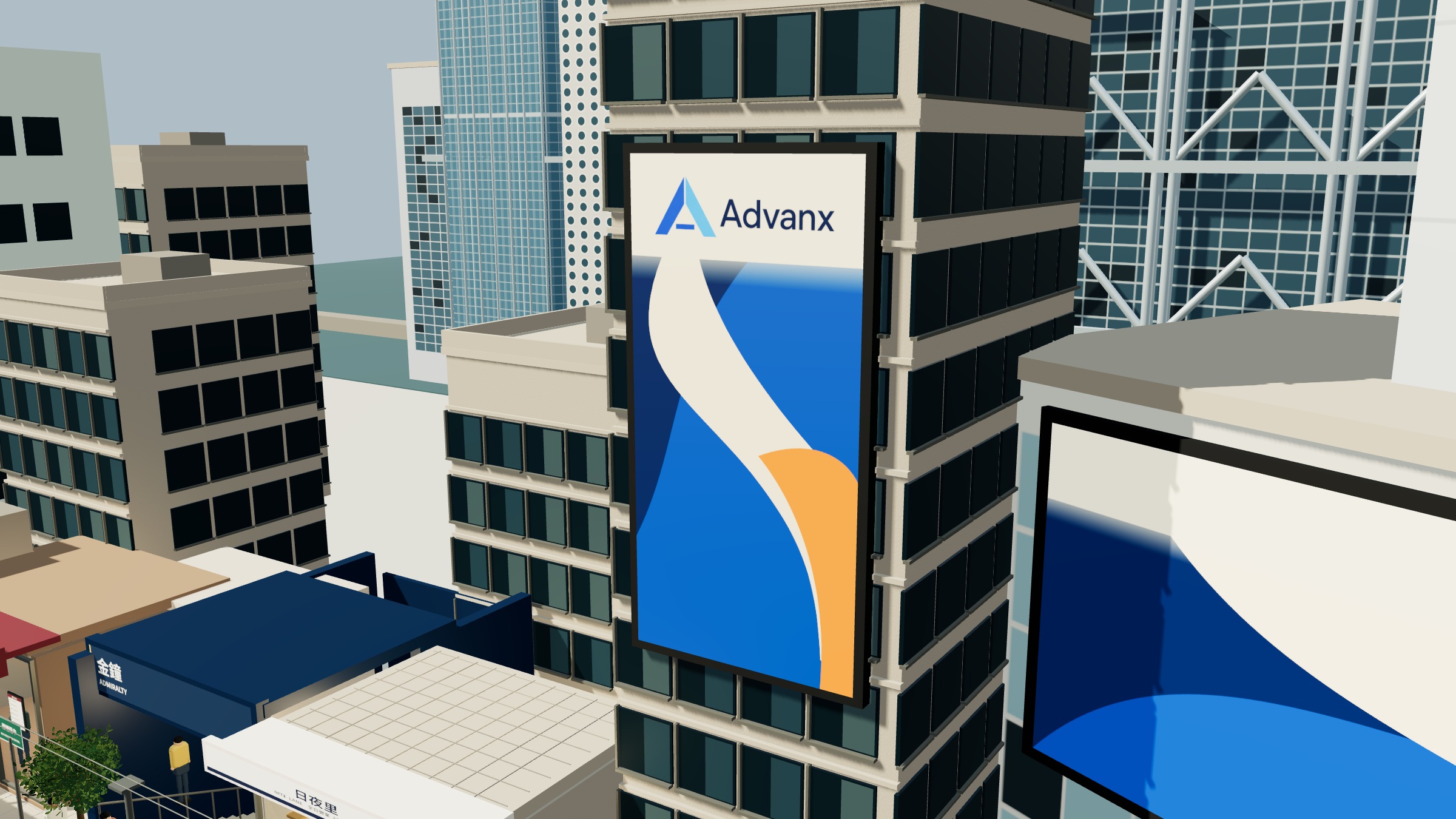
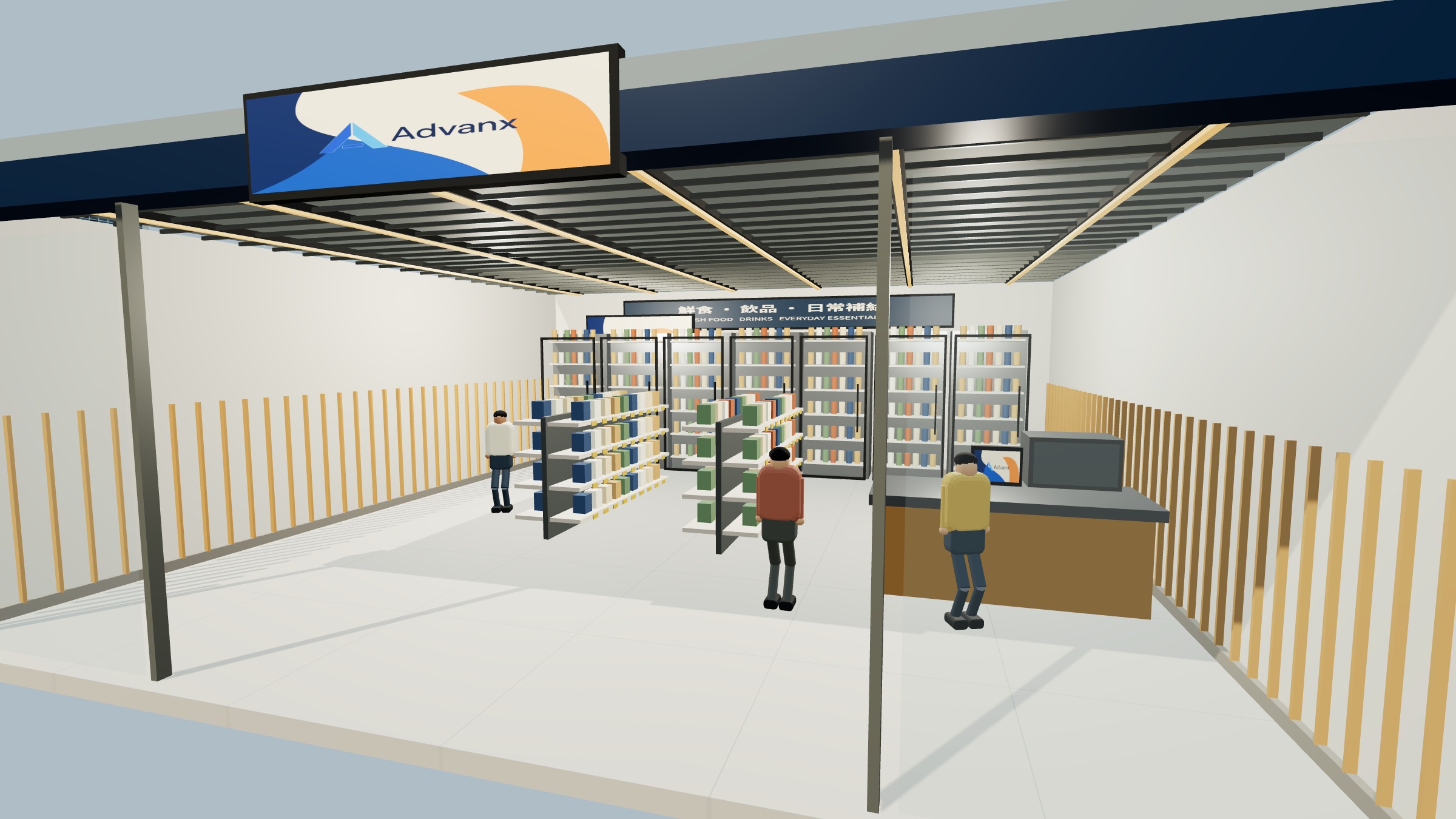
Campaign environments planned and deployed with the platform.
A campaign in the workspace
From the first plan to the flight report, the same workspace holds the map, the catalogue, the schedule, the creative and the delivery record. You enquire by WhatsApp or email; the team works here.
What reporting looks like
A report is a record of what was posted and, for digital units, what was played, together with a summary of the flight — prepared for you or your agency from the same workspace that ran the campaign.
Proof of posting
A record after installation or go-live, and after inspection, that the approved creative is on the unit.
Play-out records
For digital screens, a record of delivery during the flight.
Site status
If a unit needs attention while the campaign is live, that status is watched in the same workspace.
Flight summary
At the close, a summary of the flight, including take-down or the end of the schedule.
Questions about the platform
How do I start on the platform?
Enquire by WhatsApp or email. The team uses the Advanx platform to plan, schedule, post and report — you stay close to every step.
Does AI planning go live automatically?
No. Recommendations are reviewed with you before anything is posted.
What does the workspace show?
The map, catalogue, flights, creative, delivery and reports for a campaign — a shared picture for the advertiser, the agency and our team.
AI planning for outdoor
and place-based media.
AI planning helps decide where, when and how a campaign should run across transit, streets, retail, buildings, destinations and smart lockers. It sits inside the same workflow as scheduling, posting and reporting.
How AI planning is used
Objectives in
You tell us the goal, timing and the environments you care about.
A recommended mix
The planner proposes placements, flights and a draft sequence.
Human review
Our team reviews, adjusts and agrees the media plan with you.
Into the platform
The agreed plan becomes flights, creative traffic and a posting calendar.
What it considers
How recommendations are reviewed
AI planning is used to draft a mix — where, when and how a campaign might run. The team reviews those recommendations, adjusts them, and only then walks you through a media plan. Nothing is posted on the strength of a suggestion alone.
Software for the
whole campaign path.
Map, catalogue, campaign builder, creative trafficking, deployment and reporting — the Advanx software is the workspace behind every plan we deliver.
Modules in the workspace
Map
A geographic view of environments and units in the plan.
Catalogue
Formats and site types, ready to add to a mix.
Builder
Flights, dates and a posting sequence you can review with the team.
Creative
Approved assets assigned to the right units and screens.
Deployment
Posting and go-live against the calendar.
Reporting
Proof, playback and a flight pack for the advertiser and agency.
From the first plan to the close
The modules are used in sequence: the map and catalogue to shape the mix, the builder to lock dates and order, creative trafficking once artwork is approved, deployment on the posting calendar, and reporting at inspection and at the end of the flight. The same record is shared with you or your agency.
The Advanx platform,
from plan to report.
A single workspace for planning, flights, creative, deployment, monitoring and reporting — the digital, convenient and automated way we distribute, optimise and track content in the physical world.
Inside the workspace
Reporting from the same workspace
When a flight is live, delivery and site status are watched here. When it closes, proof of posting, play-out records and a flight summary are prepared from the same record.